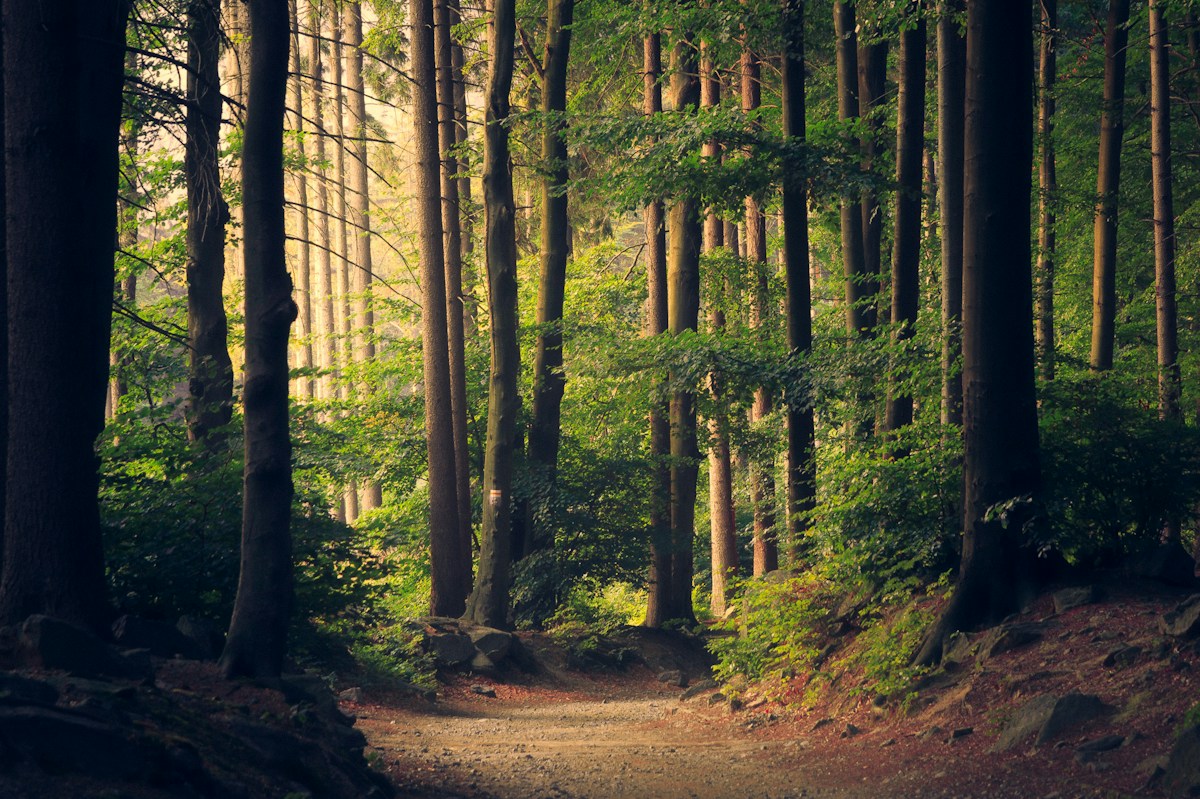
 NATURE / TRAVEL
Evergreen
↗Earthy greens · Moody depth
For the moments you want to feel again.
Explore cinematic tones, soft light, and a look that feels like you.
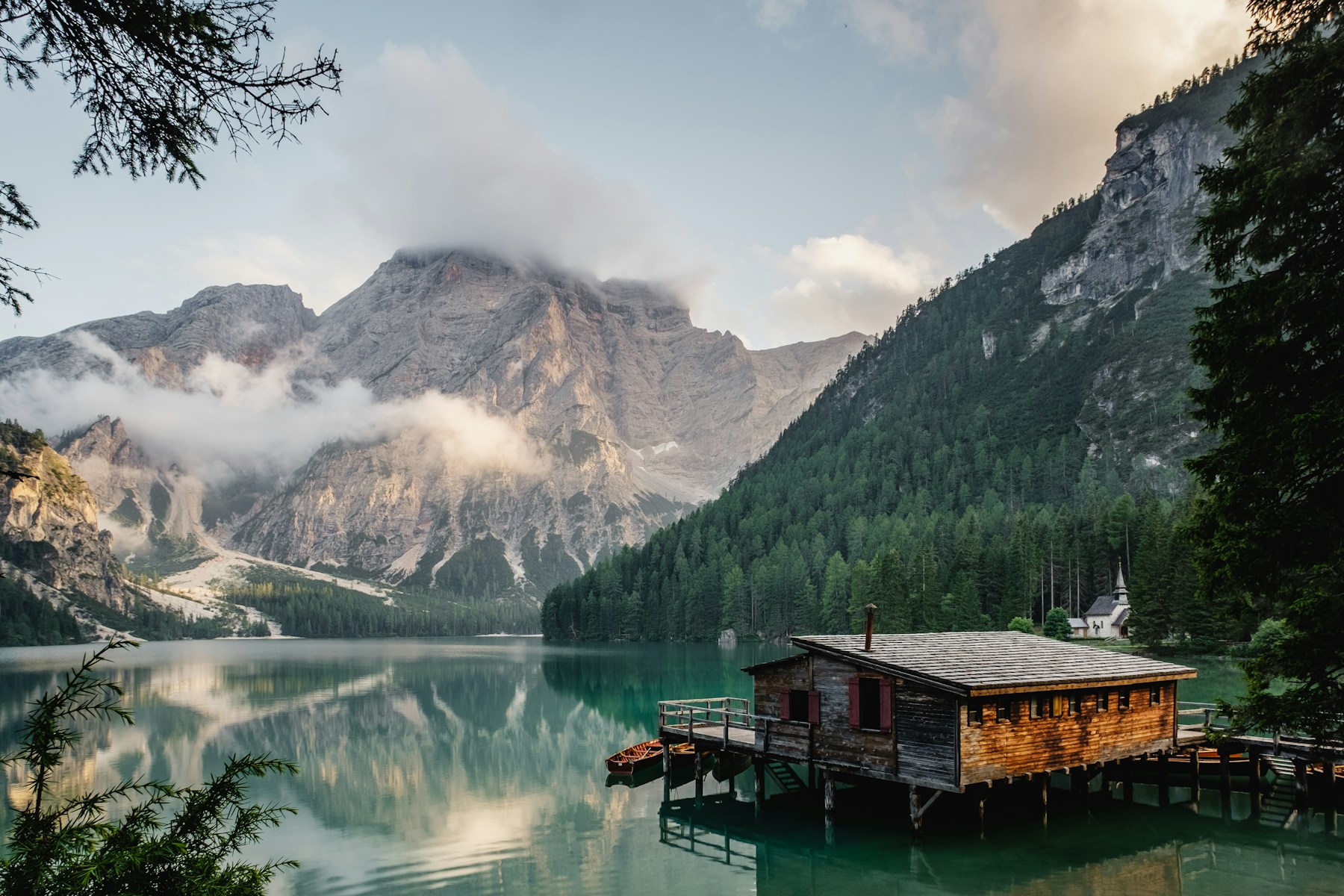
Earthy greens. Quiet shadows. Stories worth keeping.
From open roads to slow afternoons.
Find the color story for your next edit.
NATURE / TRAVELEarthy greens · Moody depth
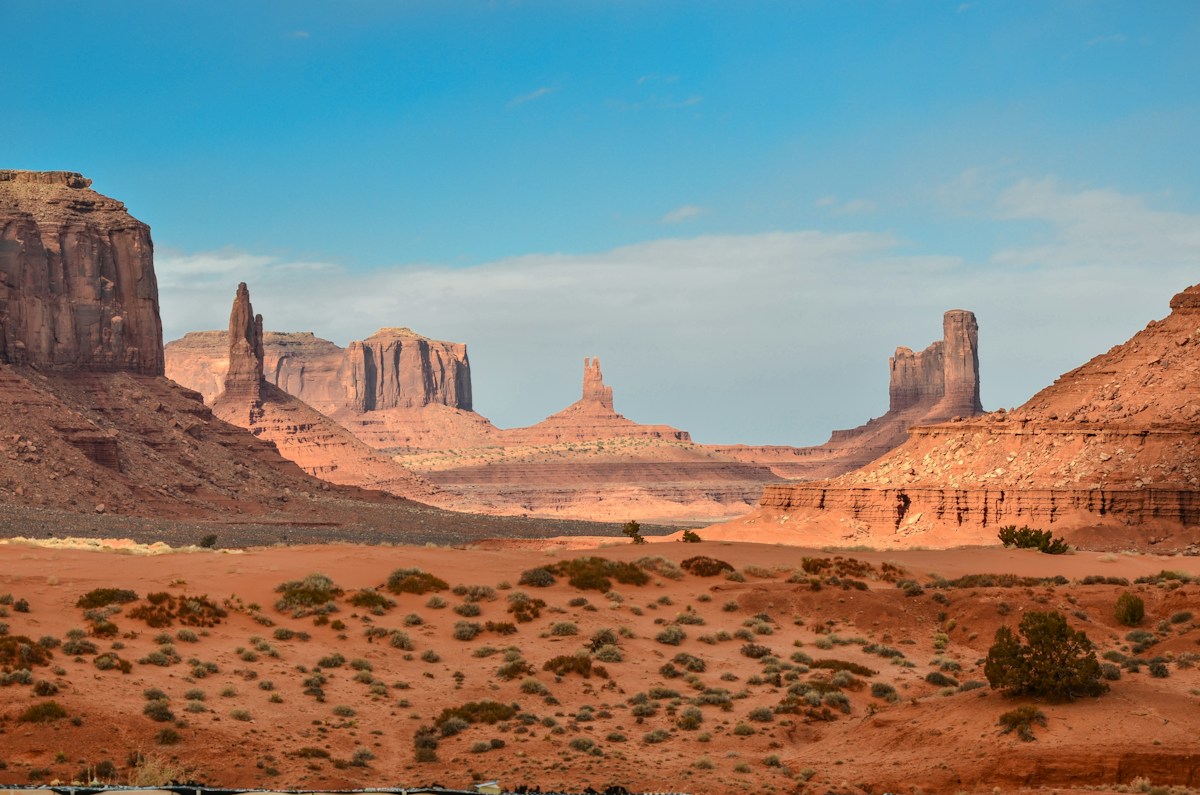 WARM / EARTHY
Honey highlights · Sunlit warmth
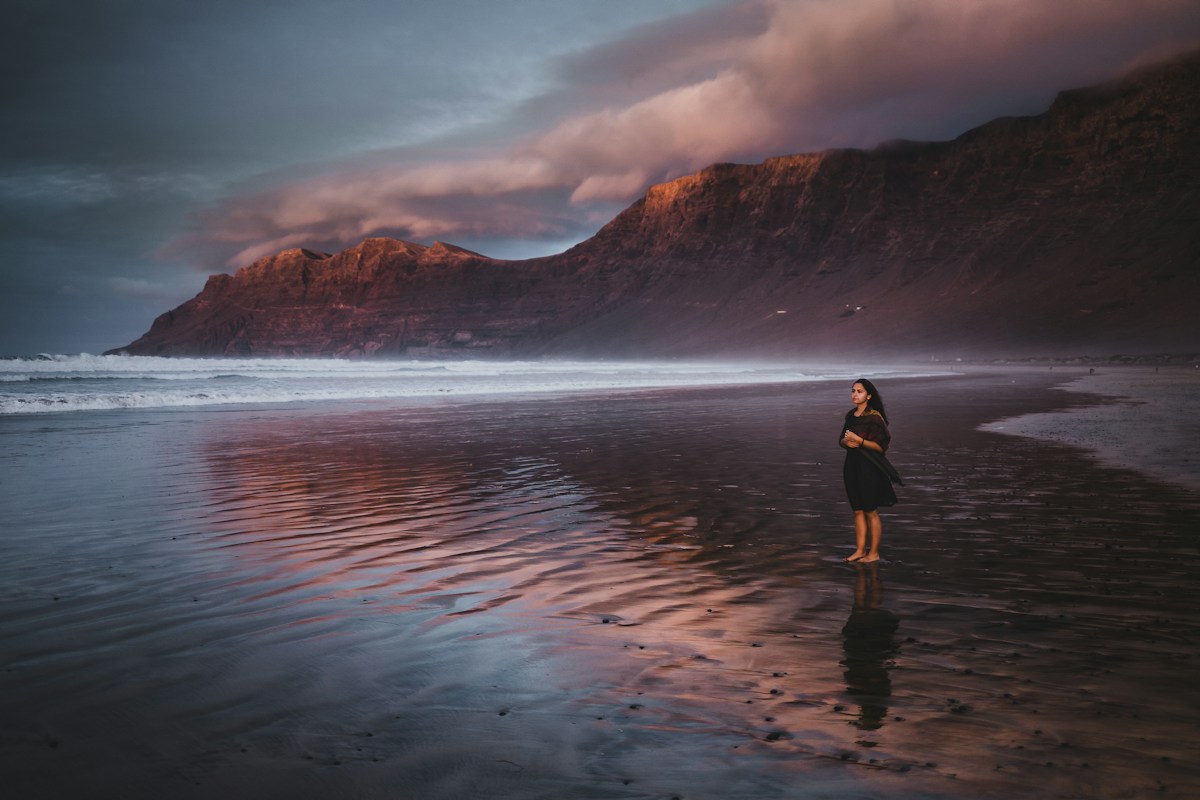 SOFT / COASTAL
Pastel skies · Gentle contrast
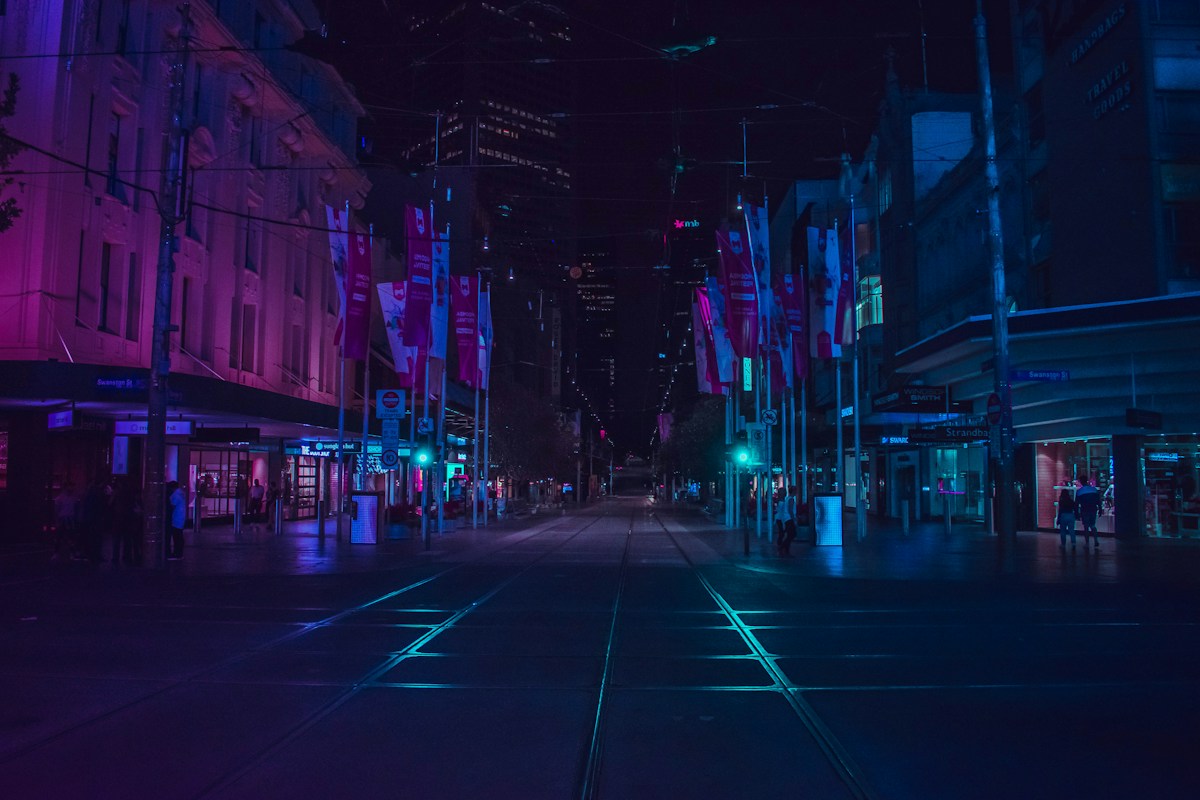 CINEMATIC / NIGHT
Cool shadows · A little mystery
A first look at the Toneflix collection. These are concept previews; full preset packs are coming soon.
Move the slider. Explore the mood.
A thoughtful color grade can change the way a photograph feels.
Illustrative browser color treatments, not actual Lightroom preset results. Every photo responds differently.
A preset is your starting point.
Your eye makes the final edit.
Think about the light, the location, and the story. Pick a mood that complements your photograph.
Try the free XMP sample in Lightroom desktop or Classic. Import it from the Presets panel to get started.
Fine-tune exposure, white balance, and intensity for your image. Keep what feels right. Make the rest your own.
Download the free Toneflix Starter XMP. A subtle matte curve, softer highlights, and a touch of grain to experiment with.
No email needed · XMP file · Desktop & Classic
The free sample is an XMP develop preset for current Lightroom desktop and Lightroom Classic. On mobile, presets may sync from Lightroom desktop with an eligible Adobe subscription. It is not a DNG mobile import file.
Download the XMP file. In Lightroom Classic, open Develop → Presets → + → Import Presets. In Lightroom desktop, open the Presets panel, choose the three-dot menu, then Import Presets. Select Toneflix-Starter.xmp.
Lighting, camera profiles, exposure, and white balance all affect a preset's result. The site's comparison uses illustrative browser filters and does not demonstrate the downloadable XMP. Start with a well-exposed image and adjust to taste.
Full collections are being developed. This site currently showcases concept looks and offers one free starter preset. Purchases and full-pack downloads are not available yet.